
Access
Join Your Session
When it’s time for your appointment, use the secure link provided in your confirmation email or text message. You can join from your phone, tablet, or computer.
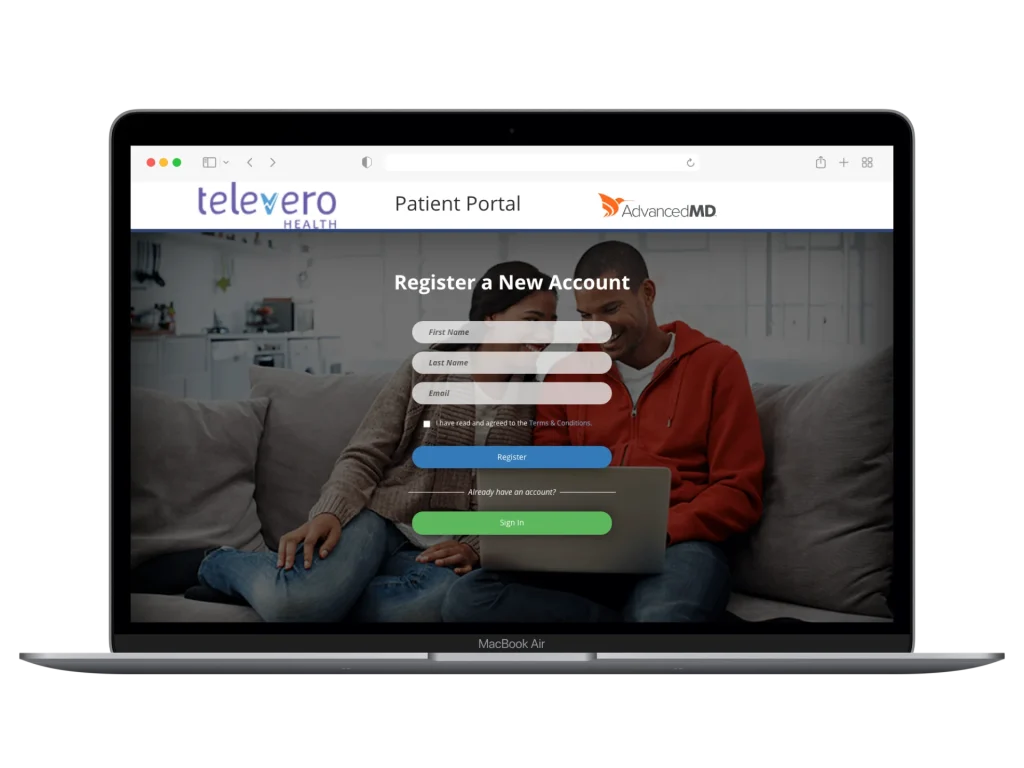
Access Your Appointment in the Patient Portal
Having Trouble Connecting?
Please reach out to our team via phone at (512) 956-5003, or click here to send us a note through our website.

INSTRUCTIONS
How to Join Your Online Session
Televero appointments take place securely through Zoom. Please follow the steps below before your visit.
Install or Update Zoom
Zoom must be installed on your device.
If you already have Zoom, make sure it is updated to the latest version.Access Your Appointment Link
You will receive your session link by text and email about 24 hours before your visit. Click the link at your scheduled time to join from any computer, tablet, or smartphone.
Enable Video and Begin
When prompted, allow Zoom access to your camera and microphone. Wait briefly for your provider, then click “Join Call” to start your session.
Security Check