Update Your Insurance Information
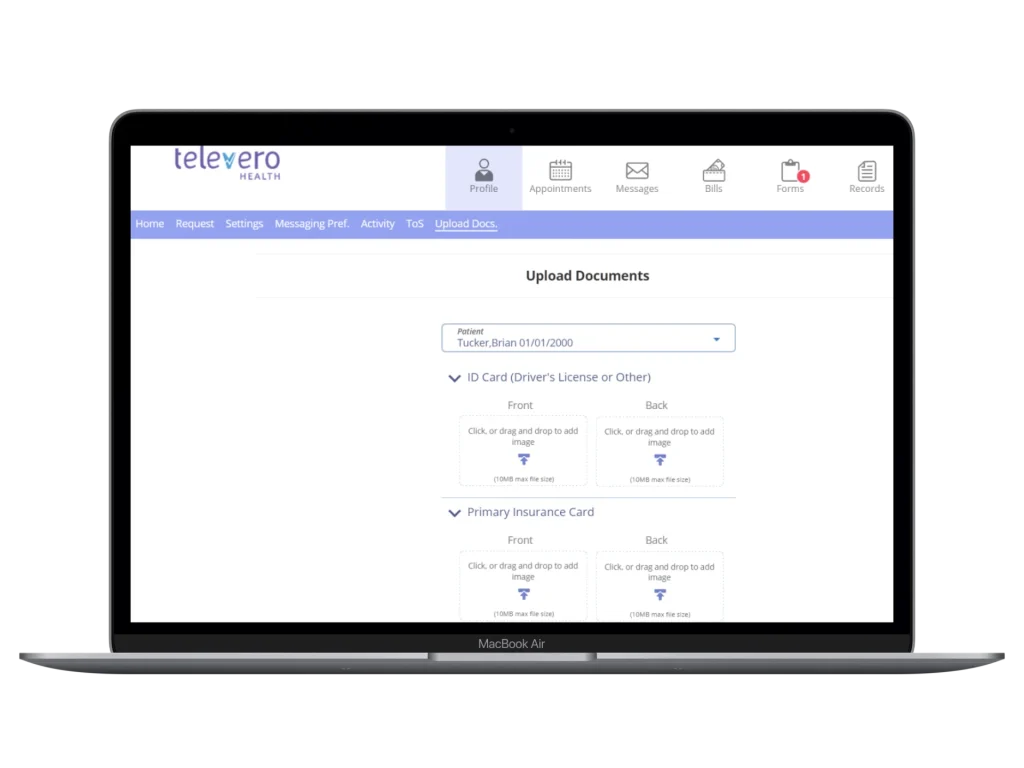
Use this page to securely upload your updated insurance card and a valid photo ID. Updating your information requires two steps.
Step 1
Log in to your patient portal and upload your updated insurance card and photo ID.
Once logged in, select Profile, then choose Upload Docs.
Step 2
After uploading your documents, notify our team using the Patient Assistance Form so we can review and update your account.
Notify Our Billing Team