
Patient Portal
Access Your Account
Access your secure portal to manage appointments, messages, and documents.
New Patients
The portal is available after you submit your intake. Use the same name and email you entered during Start My Care.

First Time Setup
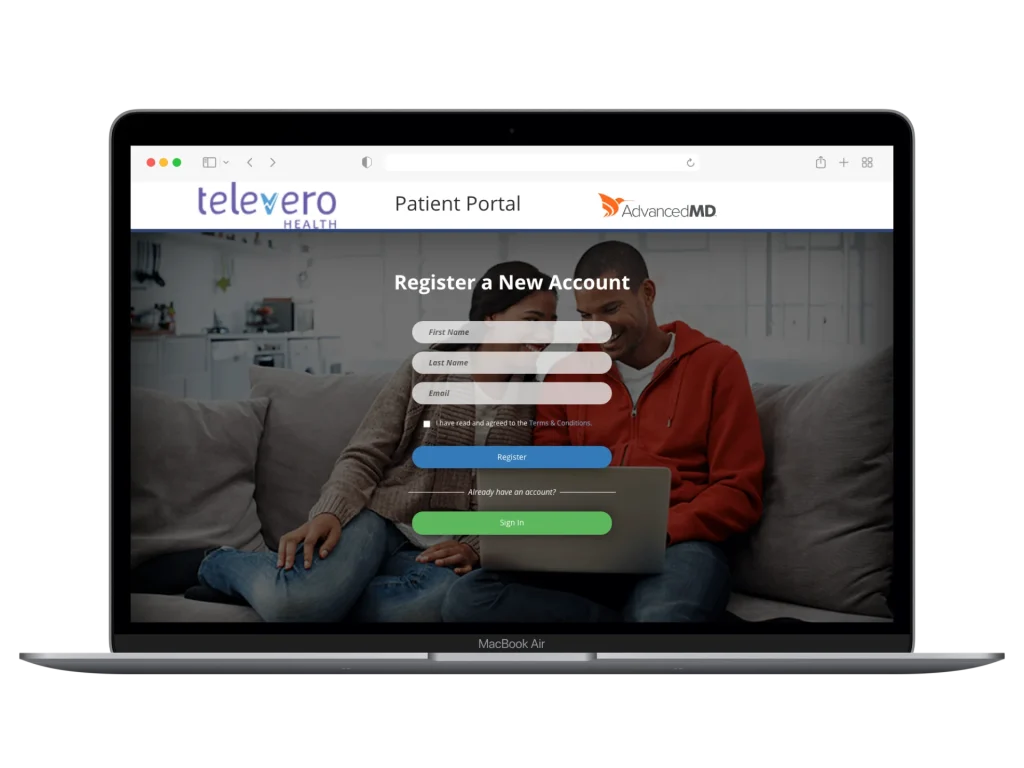
If this is your first time accessing the portal, you will need to register.
Click “Go to Patient Portal”
Select Register
Enter your first name, last name, and email address
Confirm your email
Create your password and log in
Important
Troubleshooting
You’ll need to register first to create your portal account that will link it to your patient information. Click the “Register” button below the sign-in form and follow the steps above.
Check your spam or junk folder. It usually arrives within a few minutes.
The password reset only works after you’ve created your portal account. If you haven’t registered for the portal (after you completed your Start My Care Form), start with step 1 above.
Call our office at (512) 956-5003 or complete a Patient Assistance Request and we’ll help you get it sorted out.